Math Center Level 11.0.1.9
Publisher Description
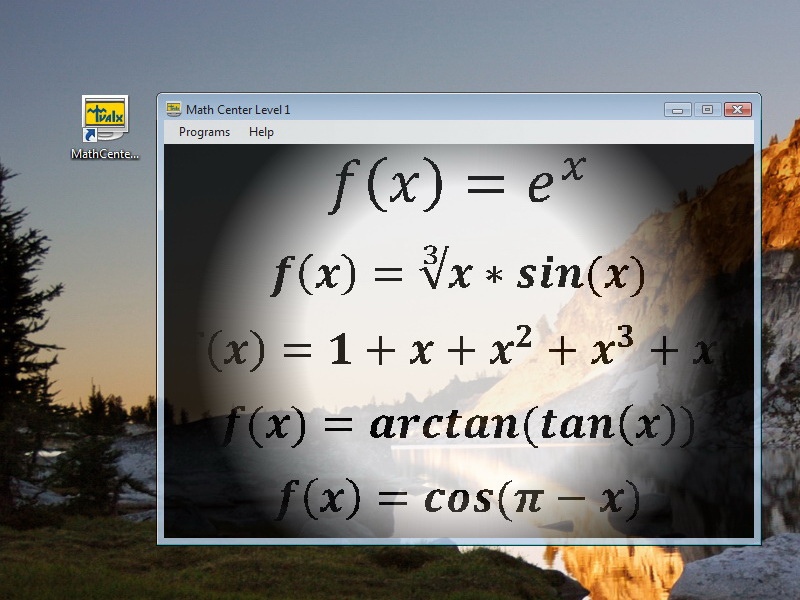
Math software for students studying precalculus. Can be interesting for teachers teaching precalculus. Math Center Level 1 consists of Graphing calculator 2D, Advanced Calculator, Simple Calculator, Simple Calculator, Simple Rational Calculator, and Simple Integer Calculator called from the Control Panel. Simple calculator is a general purpose calculator which combines use simplicity and calculation power. It handles simple arithmetic operations and complex formulas. Advanced Calculator is a step farther in complexity comparing to the Simple Calculator. The Advanced Calculator has two editing windows. One is for editing x, and the second is for editing f(x). In the x window you can enter any number or formula which contains numbers. In the f(x) window you can enter formulas containing numbers and formulas containing x. First, x will be calculated. Then the result for x will be substituted into the formula for f(x). The presence of two editing windows demands switching between windows. You can do it by clicking buttons "go to x" and "go to f(x)", or by clicking inside the window. If you forget to enter x, then the x=1 will be assumed. If you forget to enter f(x), then f(x)=x will be assumed. Advanced Calculator works in scientific mode. All numbers in internal calculations are treated in scientific format. Graphing Calculator 2D has two panels. The Left Panel has the Magnifying Square represented by Small Square with gray border on the Left Panel. It is 16 times smaller than the Left Panel. The Right Panel shows content of the Magnifying Square magnified 16 times. You can press button "zoom +". Then the Left and Right Panels will be zoomed twice each. Maximum zoom is 8 (tree clicks of "zoom +"). Clicking button "C" (for Center) on Zoom returns picture to starting position with no zoom and Magnifying Square at the center of Left Panel.
About Math Center Level 1
This Mathematics program is available in English. It was last updated on 29 September, 2026. Math Center Level 1 is compatible with the following operating systems: Windows.
The company that develops Math Center Level 1 is Tvalx. The latest version released by its developer is 1.0.1.9. This version was rated by 10 users of our site and has an average rating of 2.5.
The download we have available for Math Center Level 1 has a file size of 1.0 MB. Just click the green Download button above to start the downloading process. The program is listed on our website since 2012-10-26 and was downloaded 205 times. We have already checked if the download link is safe, however for your own protection we recommend that you scan the downloaded software with your antivirus. Your antivirus may detect the Math Center Level 1 as malware if the download link is broken.
How to install Math Center Level 1 on your Windows device:
- Click on the Download button on our website. This will start the download from the website of the developer.
- Once the Math Center Level 1 is downloaded click on it to start the setup process (assuming you are on a desktop computer).
- When the installation is finished you should be able to see and run the program.
Program Details
System requirements
Download information
Pricing
Version History
version 1.0.1.9
posted on 2012-10-26
improvement
